


VISUALIZE, TEST, APPROVE:
Confidence before construction
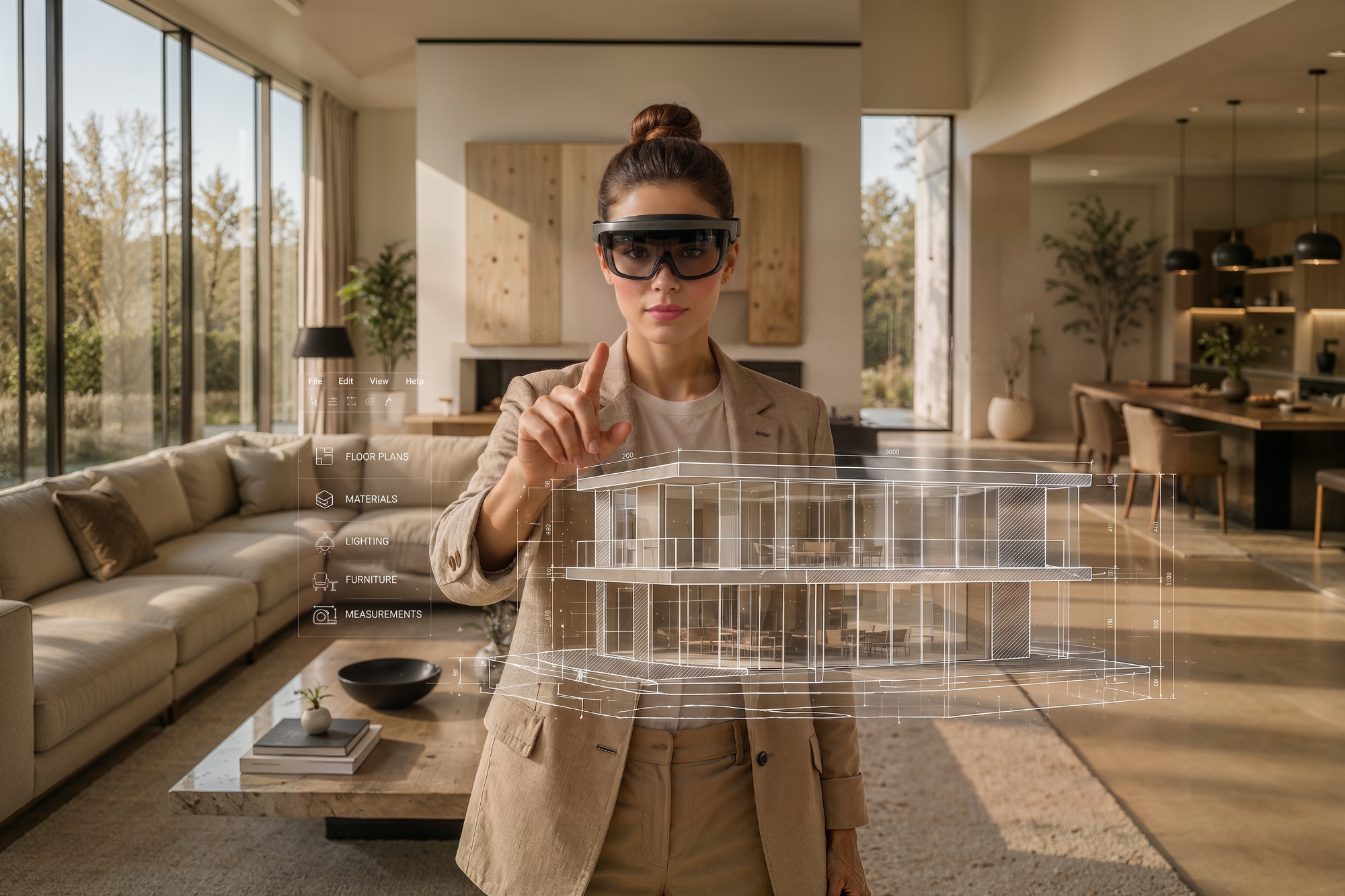
Augmented Reality Architecture and the Evolution of Interior Design Visualization
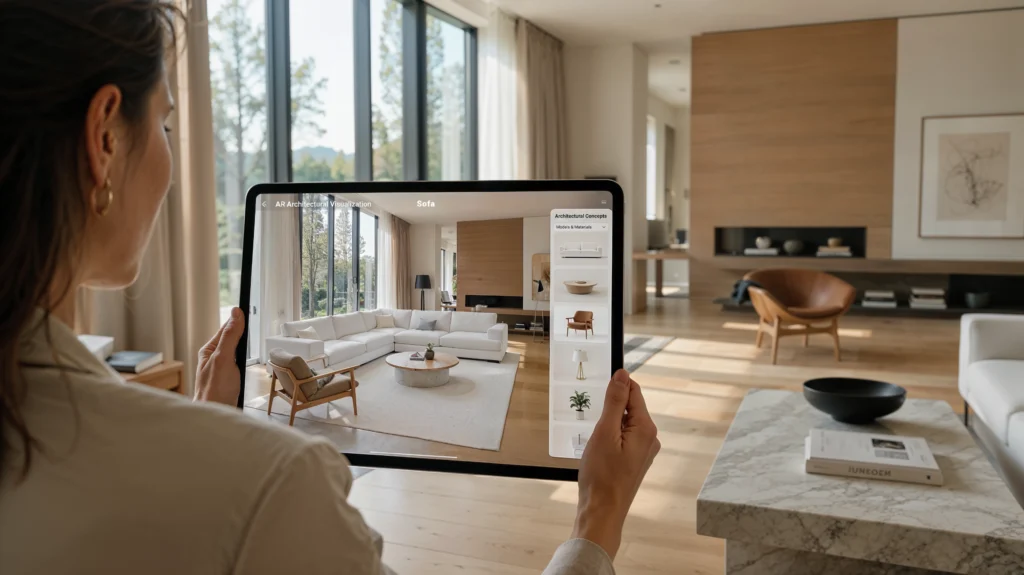
Augmented reality architecture turns flat presentations into spatial reviews stakeholders can trust.
What Is Augmented Reality Architecture in Modern Design Workflows
Augmented reality gives architecture teams a way to overlay digital models onto a real environment so Principal Architects can review layouts before drawings move into construction. As 2026 visualization workflows increasingly blend BIM and real-time preview, teams use mobile devices to judge materials and furniture placement on site.
How Architectural Visualization Becomes Interactive Through 3D AR
Architectural visualization becomes interactive once a 3D AR layer responds to movement instead of staying fixed on a screen. Viewers turn a phone or tablet around a room and the model adjusts in real time, revealing how furniture, lighting, and finishes will actually read once construction is complete and occupied.
From Static Renderings to Real-Time Experiences in the Actual Environment
Static renderings show one fixed camera angle, while AR architecture experiences let teams move freely through the actual environment where a project will stand. Architects and clients see materials and layouts against real light, real walls, and the existing construction site context, catching mismatches a flat image cannot reveal.
The Role of Digital Models, BIM Model Data, and Mobile Devices
Digital models carry the dimensional accuracy that augmented reality architecture depends on, while BIM model data adds material specifications, structural detail, and product information drawn from the design file. Mobile devices act as the viewing window, turning that data into a walkable scene – these architectural models – without specialized AR headsets or extra equipment.
Why AR Reduces Approval Risk For Design Teams
When stakeholders see materials and furniture placement in context rather than on paper, fewer approvals stall on misread scale or color. Recent AR-BIM research links real-time overlays to fewer detected discrepancies, helping design teams move from concept to sign-off with fewer revision rounds and less rework – saving time at every stage that follows.
AR in Architecture for Testing Furniture, Materials, and Space Planning
AR in architecture lets teams test furniture, materials, and layouts before committing to construction.
Interior Design Previews with AR for Architecture
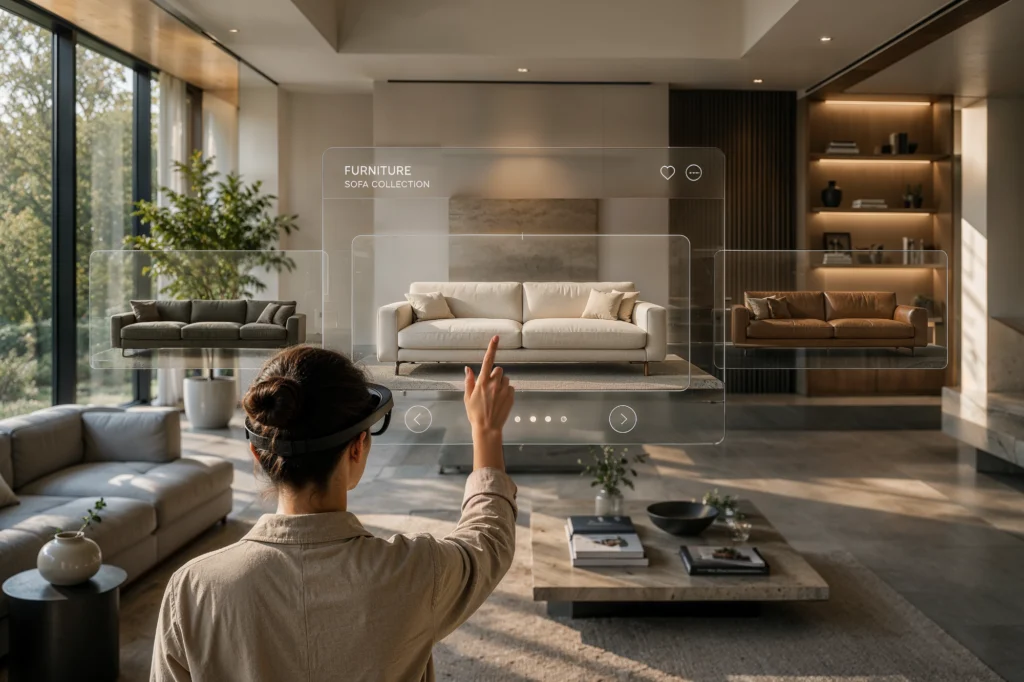
Interior design previews let Heads of Product Design test a product line’s signature look before committing to physical samples. AR for architecture tools such as Apple’s AR platform place 3D furniture and finishes inside a real room, turning a flat concept into an interactive experience clients can walk through.
Using Architecture and Augmented Reality to Validate Furniture Placement
Validating furniture placement with architecture and augmented reality means a 3D AR model holds the exact scale of a sofa or shelving system against a real wall before manufacturing begins. Product Design teams catch proportion issues early, keeping a product line consistent instead of discovering mismatches after samples ship.
Material, Texture, and Finish Evaluation in Real Spaces
Material, texture, and finish decisions are hard to judge from a swatch or a render alone. AR lets a Head of Product Design view a stone finish, a fabric, or a paint color in real spaces and real light, catching color shifts before a costly physical sample run begins.
Layout Optimization Through Architecture Augmented Reality Experiences
Layout optimization through architecture augmented reality experiences – sometimes called an AR sketchwalk – turns a flat floor plan into something a team can walk through before furniture is ordered. Mobile room-scanning tools such as magicplan capture real dimensions, helping Head of Product Design teams test traffic flow, spacing, and sightlines in the actual space.
Improving Client Approvals Before Construction Begins
Augmented reality for architecture changes how clients sign off on interiors, because a walk-through replaces guesswork about scale and finish. Sales and product teams present a near-final look before construction begins, reducing the back-and-forth that usually stretches approval timelines and delays catalog photography or campaign launches.
Faster Material Buy-In Without Physical Prototypes
Skipping a physical prototype run speeds up buy-in when a product line needs fast approval from manufacturing or retail partners. An AR preview lets decision-makers approve a finish or material combination on screen, so catalog photography, presentation decks, and sales enablement content can move forward before a sample is built.
Augmented Reality for Architecture Applications Beyond Interior Design
Augmented reality in architecture supports far more than interior walkthroughs and furniture previews.
Immersive Client Presentations with Augmented Reality and Architecture
Immersive client presentations built on augmented reality and architecture replace a slide deck with a walkable model investors and tenants can question directly. A Principal Architect can rotate massing, swap façade materials, and answer site-context questions on the spot, building the kind of credibility a flat rendering rarely earns.
On-Site Visualization Using an Augmented Reality Architecture Model
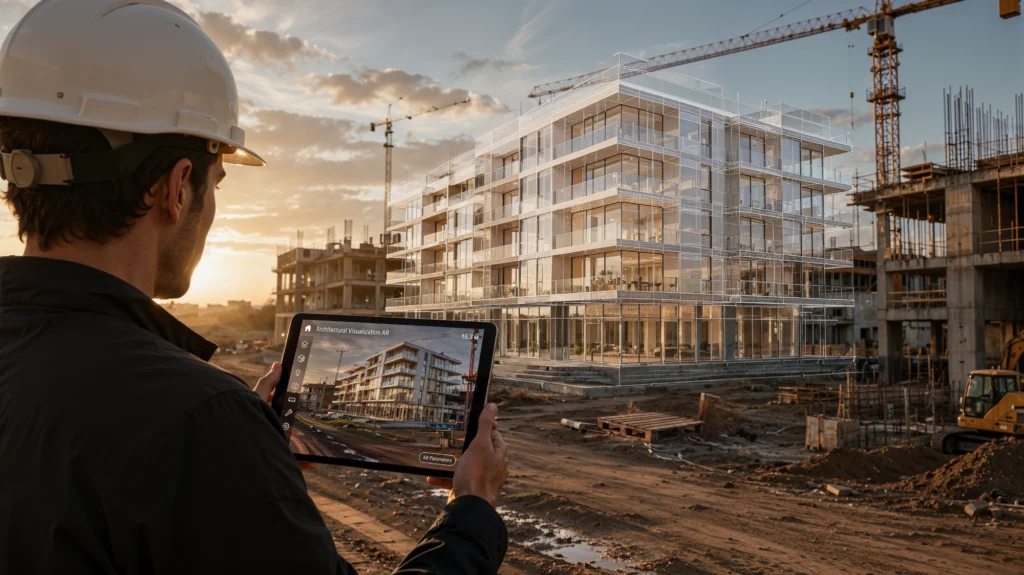
On-site visualization through an augmented reality architecture model lets a CDO walk a vacant lot and see the proposed building at true scale before excavation starts. Recent AR-BIM literature confirms AR is most common during construction and operation, mainly for review and quality checks that catch conflicts early.
Real-Time Collaboration Between Architects, Designers, and Clients
Real-time collaboration lets architects, designers, and clients mark up the same AR model from different locations instead of waiting for a redlined PDF to circulate. Comments attach directly to a wall, a fixture, or a material swatch, so feedback stays specific and design intent does not get lost in translation.
Supporting Construction Workers with Digital Information on Site
Supporting construction workers with digital information on site means overlaying anchor points, conduit runs, or finish specs directly onto a wall through a tablet or headset. Crews check details without digging through binders, which keeps installation and the wider construction process aligned with the design intent the architecture team originally approved.
The Growing Role of Mixed Reality Across the Architecture Industry
Mixed reality is gaining ground across the architecture industry wherever a project needs both a physical model and live digital data layered on top of it. Teams blend a scale model or job site with annotations, schedules, or BIM data, giving stakeholders one coherent picture instead of separate records.
Investor And Municipal Buy-In With AR Scenarios
Investor and municipal buy-in often hinges on whether reviewers can picture a project accurately before approving it. Independent research on construction rework points to roughly five to ten percent of project cost lost to errors caught too late – the exact gap AR scenarios help close before permits are finalized.
Augmented Reality in Architecture Tools, Challenges, and Future Trends
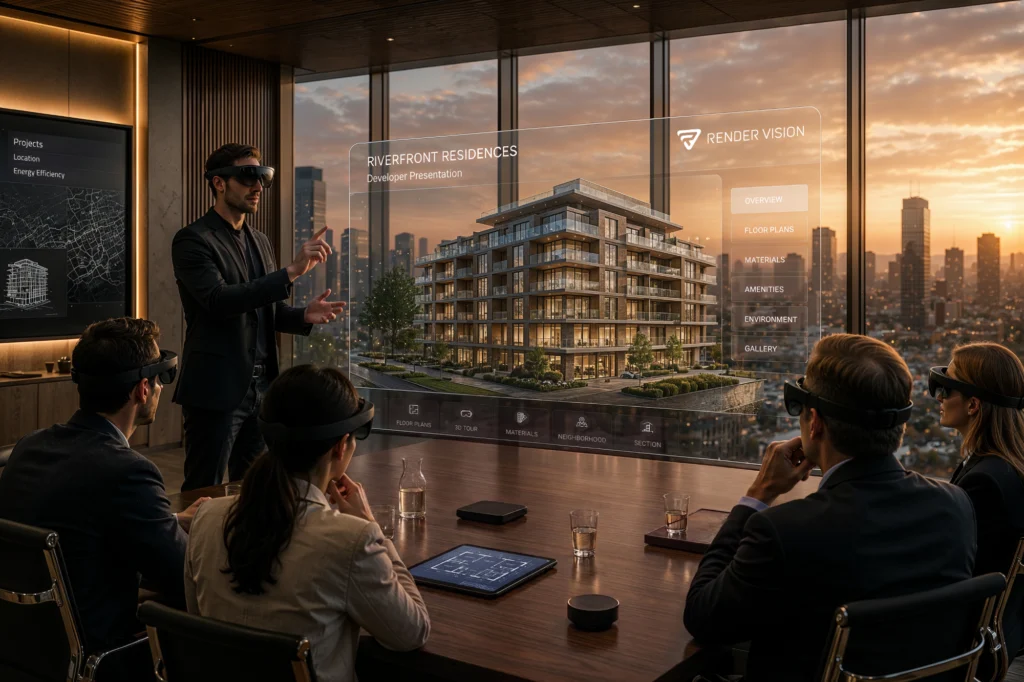
Selecting the right augmented reality architecture tools depends on each firm’s existing software stack.
Popular AR Tools and Apps for Architecture
Popular AR tools and apps for architecture fall into a few categories: BIM viewers for model review, dedicated AR platforms for full-scale walkthroughs, and room-scanning apps for fast floor-plan capture. The right pick depends on whether a team needs client presentation, field markup, or simple measurement on a budget.
BIMx For BIM Model Review
BIMx runs on mobile, desktop, and Apple Vision Pro, letting architects and clients walk through a BIM model, mark up issues on-site, and check element data instantly instead of carrying paper plans to every meeting.
ARki For Architecture Augmented Reality
ARki imports FBX files from Revit, SketchUp, and other 3D software, then anchors a full-scale model on-site so designers can test furniture, lighting, and material textures in real-time AR rather than on a screen alone.
Magicplan For Real-Time Floor Plans
Magicplan uses LiDAR to sketch a room and generate a floor plan in minutes. The app has shifted its primary focus toward restoration contractors, so architecture teams typically use it only for quick room measurement, not interior AR furniture fitting.
Choosing the Right Software and Program for Architectural Visualization
Choosing the right software and program for architectural visualization usually starts with what a firm already uses for modeling. Teams built on Revit or Archicad often add a compatible AR viewer, while studios using Apple’s ARKit framework can commission a custom app for a specific product line or sales campaign.
Hardware and Setup Considerations for AR Technology
Hardware and setup considerations for AR technology start with the device already in a stakeholder’s pocket. A recent smartphone or tablet with LiDAR covers most client walkthroughs, while dedicated AR headsets add hands-free viewing for longer site visits or repeated internal reviews where holding a screen becomes impractical.
Accessibility of Augmented Reality Services for Architecture Firms
Accessibility of augmented reality services for architecture firms has improved as consumer-grade AR moved from niche hardware to phones most clients already carry. A small practice can rely on an off-the-shelf viewer for early reviews, while larger firms commission custom AR builds for flagship projects or recurring product lines – lowering the entry cost for any architecture business.
How The Architecture Of Augmented Reality Affects Accuracy
The architecture of augmented reality, meaning how an app anchors digital objects to real-world surfaces, directly affects accuracy. Strong surface detection and consistent lighting calibration keep a virtual sofa or wall finish locked to true scale, while weaker tracking causes drift that undermines trust in the preview.
The Future of Augmented Reality in Architecture and Construction
The future of augmented reality in architecture and construction may look less like a single app and more like one connected data layer. AR models could eventually sync directly with the same design data architects already use, so a viewer pulls from a shared source instead of a separate export.
Bring Your Interior Concepts to Life Before Construction Starts
We create AR-ready 3D assets, renders, 360° tours, and VR walkthroughs that help your team win faster approvals and present every concept with confidence before construction begins.
Frequently Asked Questions
These answers address the most common questions architects and developers ask about AR.
What is the difference between AR, VR, and mixed reality in architecture?
Augmented reality overlays digital models onto a real environment through a phone or tablet, layering data onto the surrounding real world environment, while virtual reality replaces that environment entirely inside a headset. Mixed reality sits between the two, anchoring digital objects to physical surfaces so they respond to light and movement like real furniture or finishes would.
Can augmented reality work with Autodesk Revit and BIM workflows?
Yes. Most AR viewers and BIM viewers read 3D models exported directly from Autodesk Revit, so a project built in Revit can move into an AR walkthrough without redrawing geometry. Teams keep one source file for design, documentation, and AR review instead of maintaining separate models for each step.
Do clients need AR headsets to view architectural models?
No. Most architecture AR experiences, built from architectural models, run on a smartphone or tablet a client already owns, using the camera to place a model in a real room or on a vacant site. AR headsets add a hands-free option for longer reviews, but they are not required for a standard client walkthrough.
How accurate are AR-based architectural models for interior design decisions?
Accuracy depends mainly on how the underlying 3D model was built and how well the AR app tracks the real environment – the core strength of augmented reality technology. A model built from precise architectural design data and viewed with current LiDAR-enabled devices can hold dimensions and finishes close to true scale, which supports confident interior design decisions.
Can QR codes be used to share AR architectural experiences with clients?
Yes. A QR code is one of the simplest ways to share an AR architectural experience, since scanning it opens the model directly in a browser or app without an install step. Printed proposals, presentation boards, or email follow-ups can all carry the same code for instant access.
What types of projects benefit most from augmented reality services?
Projects with a strong visual or spatial decision point tend to benefit most from AR in architecture: interior fit-outs, product launches, retail rollouts, and pre-sale residential units all involve choices that are hard to judge from drawings alone. Public or investor-facing projects also gain, since a walkthrough builds shared understanding faster than a deck.
How does AR help reduce costly design changes during construction?
AR catches mismatches between a design intent and the built environment while changes are still cheap to make. Walking a model through the actual site or interior reveals clearance issues, finish clashes, or layout problems before materials are ordered, which keeps costly change orders from surfacing later in construction.



Ready for a New View?
Contact Us to Receive a Free Quote



 powered by Borlabs Cookie